
Organize your creative chaos with moonlight clarity
Handcrafted Notion templates for solopreneurs who want a system that feels as good as it works.
Browse the library →Made for dreamers who ship
Luna Makes Shop began with a simple idea: productivity tools shouldn’t squeeze the magic out of your work. We design Notion templates for creative solopreneurs—writers, designers, makers, and side-hustlers—who want a system that feels less like a spreadsheet and more like a cozy, moonlit workspace. Every template is built with care, tested by real users, and designed to be flexible enough for your unique flow. No rigid frameworks, no corporate vibes—just a gentle structure that helps you show up consistently without burning out.
Shop

Latest writing
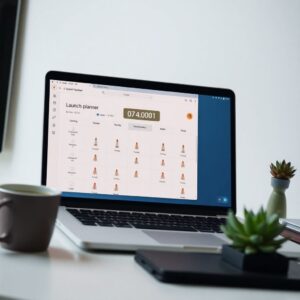
How to Build a Notion Dashboard That Doesn’t Become a Graveyard
Most Notion dashboards die in a week. Here's a three-database system that stays alive because it's built around your energy, not your guilt.
Behind the Scenes: Designing Our Notion Templates for Creatives
Ever wondered how a Notion template goes from a messy sketch to a polished product? Here's our process, including the mistakes we made along…
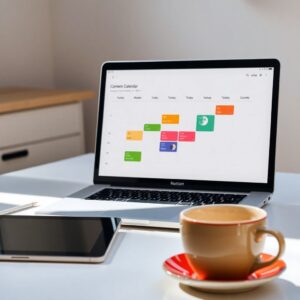
How to Build a Notion Content Calendar That You Actually Use
A practical guide to creating a content calendar in Notion that fits your creative flow and keeps you consistent without the overwhelm.
How to Build a Second Brain in Notion Without Overwhelming Yourself
A practical, step-by-step guide to creating a Notion second brain that actually stays usable — no 47-database monstrosity required.
How to Design a Notion Dashboard That Sparks Joy
A practical guide to building a Notion dashboard that looks beautiful and actually helps you get things done—without the overwhelm.
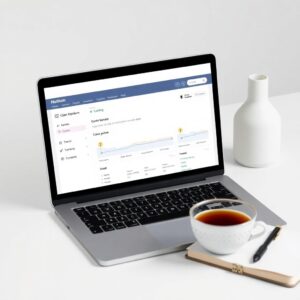
How to Build a Notion Dashboard That Actually Gets Used
Most Notion dashboards fail because they're too complex. Here's a simple, repeatable framework for building one you'll open every day.
What customers say
“I used to lose hours every week trying to keep track of client work in a messy folder system. This template gave me a clear dashboard that actually looks beautiful—I check it every morning now. I’ve cut my admin time in half.”
“I bought the Content Planner for my blog and finally published consistently for three months straight. The weekly layout keeps me focused without feeling like a chore. My traffic doubled in that time.”
“As a side-hustler with a full-time job, I needed something simple but smart. This planner helped me launch my Etsy shop without dropping any balls. I feel so much more in control—and I still have time for Netflix.”
Frequently asked questions
How will I receive my template?
Immediately after purchase, you’ll get a link to duplicate the template into your own Notion workspace. No waiting, no shipping—just instant access.
What if I don’t have Notion?
Notion is free to use for individuals. You can sign up at notion.so and then use your template. We also have a quick setup guide for beginners.
Can I modify the template?
Absolutely! Once you duplicate it, it’s yours. Change colors, reorder sections, add your own pages—make it work for you. The template is a starting point, not a cage.
What is your refund policy?
Because these are digital products, all sales are final. But if a template isn’t working for you, email us within 14 days and we’ll do our best to make it right—whether that’s a fix, an update, or a swap.
Do I get lifetime access to updates?
Yes! When you buy a template, you get lifetime access to any future updates we make. We’ll notify you by email when a new version is available, and you can re-duplicate it at no extra cost.
Can I use the template for client work?
For personal and client projects, yes—you can use the template as-is. But you cannot resell, redistribute, or share the template itself. If you want to build templates for clients, grab an extended license.
Get updates in your inbox
No spam — just new releases and honest picks.