
Most content calendars fail because they’re built for robots, not creatives. You start with a burst of enthusiasm, fill in a few weeks, then abandon it when life gets messy. The problem isn’t you—it’s the system. A good content calendar should bend with your energy, not break when you skip a day.
In this post, I’ll walk you through building a Notion content calendar that you’ll actually use. We’ll focus on flexibility, visual appeal, and minimal friction. No complicated formulas, no guilt-inducing streaks.
Start with a simple database. Call it “Content” and add these properties: Title, Status (Idea, Drafting, Scheduled, Published), Publish Date, Platform (Instagram, Blog, YouTube, etc.), and a relation to a “Campaigns” database if you run themed series. That’s it. Resist the urge to add 20 more fields. You can always add later.
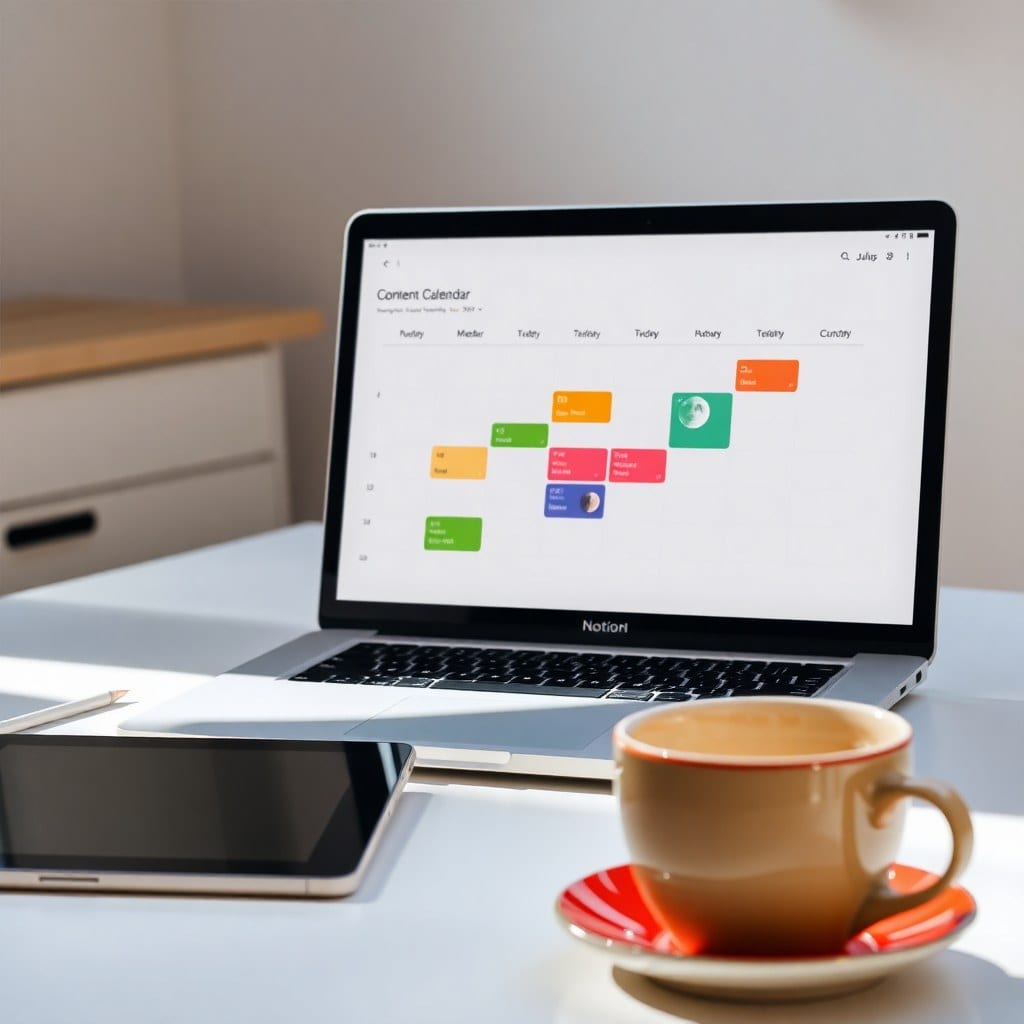
Now, create a calendar view. This is your command center. Filter it to show only items with a Publish Date. Color-code by platform or status. I like to use soft pastels for a calm vibe. The calendar view gives you a bird’s-eye view of your month, so you can see gaps and clusters at a glance.
Next, add a board view grouped by Status. This is where you’ll actually work. Drag ideas from “Idea” to “Drafting” to “Scheduled.” The board view turns your calendar into a kanban, which is much more forgiving than a strict calendar. If you miss a day, you just move the card—no red overdue warnings.
For each content piece, create a template that includes a checklist: Research, Outline, Draft, Edit, Design, Schedule. This ensures you don’t forget steps. But here’s the key: make the checklist optional. Some quick posts don’t need research. Some videos need more. Flexibility is the point.
Add a “Notes” section for random ideas. I use a simple text block at the top of my content database called “Idea Dump.” Whenever inspiration strikes, I jot it there. Later, I turn those into database entries. This separates capture from organization, which reduces friction.
Now, the magic sauce: a “Focus” view. Create a filtered view that shows only items with a Publish Date in the next 7 days and Status is not “Published.” This is your daily driver. It hides the overwhelm of the full calendar and keeps you focused on what’s next. I check this view every morning with my coffee.
Don’t forget to review weekly. Set a recurring reminder to spend 15 minutes each Friday reviewing your content calendar. Move things around, reschedule, and celebrate what you published. This weekly ritual keeps the system alive.
Finally, make it pretty. Add a cover image to your database—something that feels like you. Use emojis sparingly for visual cues (🎥 for video, ✍️ for blog). Aesthetics matter because they make you want to open the tool. When your calendar looks like a mood board, you’re more likely to engage with it.
Remember, the goal isn’t a perfect calendar. It’s a living document that helps you share your work consistently. Start simple, stay flexible, and let your calendar evolve with you. If you’d rather skip the setup, our Luna Content Calendar template has all this pre-built and ready to duplicate. It’s instant, and you can make it yours in minutes.