
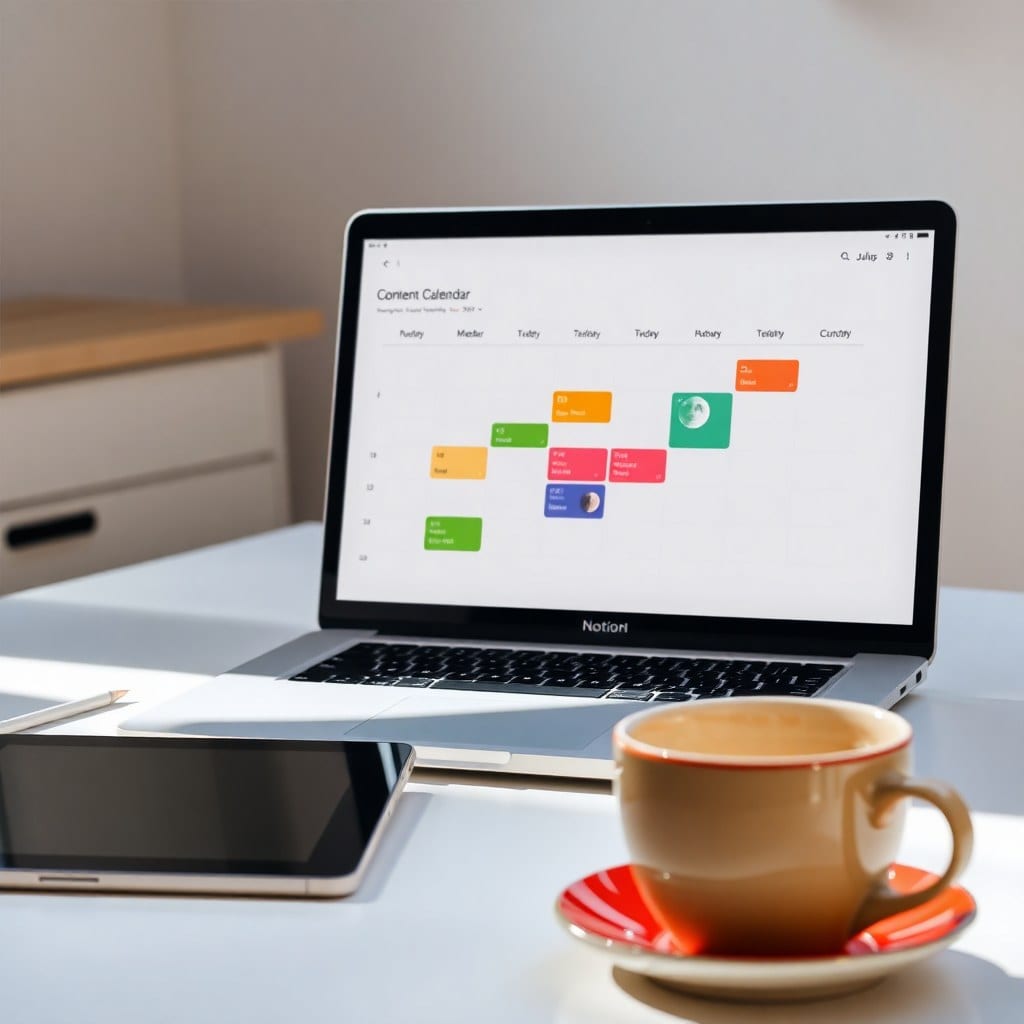
I’ve built dozens of Notion dashboards. Most of them started beautiful and ended up as digital graveyards—pages I avoided because they reminded me of everything I hadn’t done. The problem wasn’t Notion. It was that I built for the person I thought I should be, not the person I actually am at 2pm on a Tuesday.
So I changed the rules. Now I build dashboards that assume I’ll be distracted, tired, and occasionally avoidant. That sounds bleak, but it’s actually freeing. When your system expects imperfection, it stops collapsing the moment you miss a day.
The first shift: separate your databases by energy, not by category. Most people create Projects, Tasks, and Notes. That’s fine, but it doesn’t tell you what to do when your brain is mush. Instead, try three databases: Deep Work, Shallow Work, and Ideas. Deep Work is for the stuff that needs 90 minutes and a closed door. Shallow Work is for emails, admin, and quick edits. Ideas is a parking lot for everything that doesn’t have a home yet.
Here’s what that looks like in practice. I have a client brand identity project. The deep work task is ‘design logo concepts.’ The shallow work task is ‘send invoice.’ The idea is ‘maybe offer a brand sprint package.’ Each lives in its own database with its own view. When I open my dashboard in the morning, I don’t see a giant list. I see three buttons: Deep, Shallow, Ideas. I pick based on how my brain feels.
The second shift: build a ‘today’ view that pulls from all three databases using a filter, but cap it at five items. Notion makes this easy with a linked database and a filter for ‘due today or overdue.’ The cap is the magic. Five items is achievable even on a bad day. If I finish early, I can pull from a ‘bonus’ view, but I never feel behind because the main view is small.
I also add a ‘moon phase’ property. It sounds whimsical, but it’s a check-in: new moon for planning, waxing for building, full moon for shipping, waning for rest. I don’t follow it religiously, but it gives me permission to have cycles. When I’m in a waning week, I don’t beat myself up for not launching. I rest and refill.
The third shift: make your dashboard pretty enough to want to open. I use a cover image of a night sky, a simple icon, and a quote at the top. I keep the font default but add a callout block with a single intention for the week. That’s it. No complex formulas, no nested dashboards. The aesthetic is the invitation; the simplicity is the retention.
One more thing: archive ruthlessly. Every Friday, I move anything I didn’t touch in two weeks to an ‘Archive’ database. It’s not deleted, just out of sight. This keeps my active views honest. If I keep ignoring something, it’s a signal that it’s not actually a priority—or that I need to break it down differently.
Does this system work forever? No. I rebuild my dashboard every season. But that’s the point: a dashboard is a living thing, not a monument. It should change as you do. The goal isn’t a perfect system. It’s a system that helps you do your best work and then get out of the way.
If you’re starting from scratch, duplicate our Luna Dashboard template and delete everything that doesn’t fit. Or build your own with these three databases. Either way, remember: the best dashboard is the one you’ll actually open tomorrow.