
We’ve all been there: you spend an entire Sunday crafting a Notion dashboard with color-coded tags, nested pages, and a gallery view of your goals. Then Monday rolls around, and you open it once, feel vaguely guilty, and go back to your paper to-do list. Sound familiar?
As a solopreneur, your tools should make you feel more capable, not more overwhelmed. But most Notion dashboards fail because they’re designed to be impressive, not functional. They’re built to show off, not to get things done. So let’s strip away the fluff and talk about what actually works.
The first mistake is treating your dashboard like a filing cabinet. Instead of a place to store every possible piece of information, your dashboard should be a launching pad. It should answer three questions the moment you open it: What should I focus on today? What’s coming up this week? What do I need to remember? If your dashboard can’t answer those in under ten seconds, it’s too cluttered.
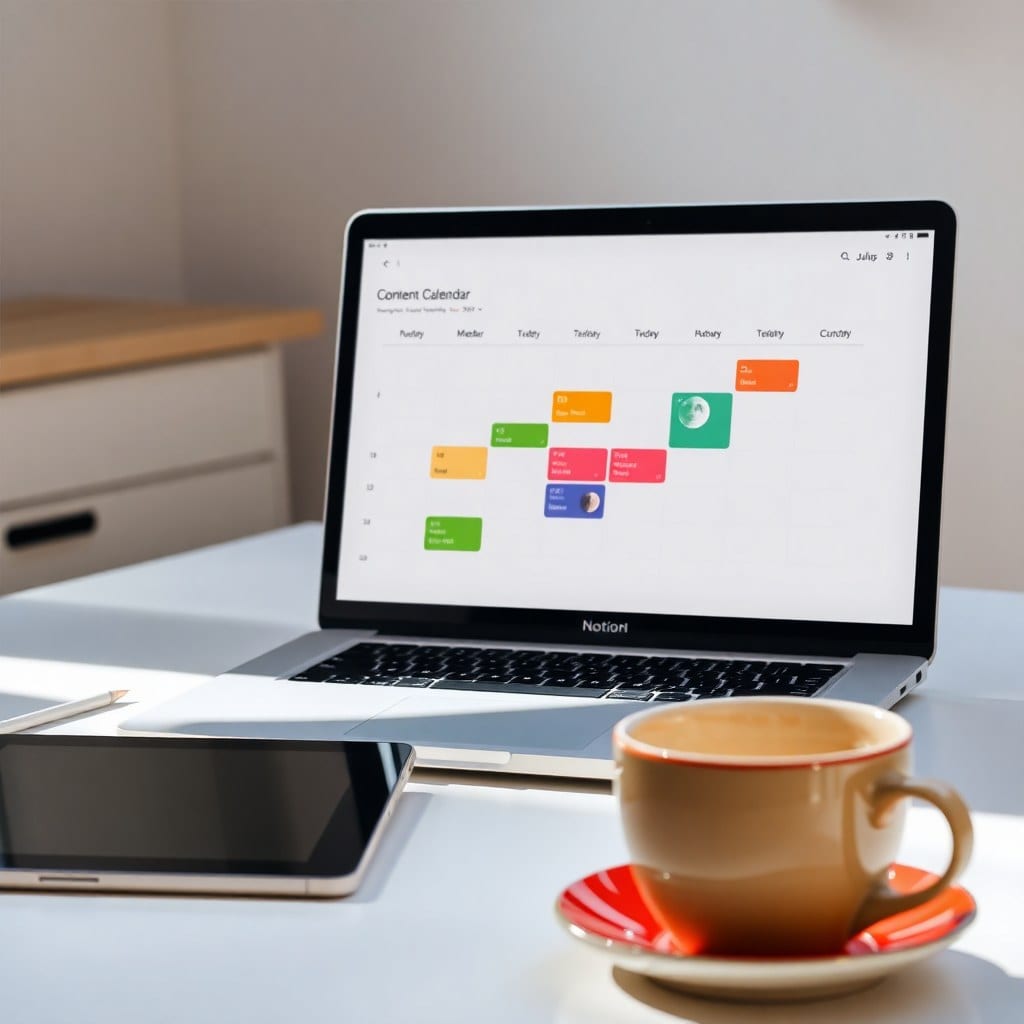
Start with a simple layout. A two-column setup works beautifully: on the left, your tasks and priorities; on the right, your calendar and key resources. Use a filtered database view for your tasks, so you only see what’s actionable today. Add a ‘Quick Links’ section for your most-used pages—like your client list, content calendar, and finances. This keeps everything within reach without turning your dashboard into a rabbit hole.
Another common pitfall is over-complicating properties. You don’t need seventeen dropdowns and formula fields. Keep it simple: Status, Due Date, Priority, and maybe a Project. That’s it. The more fields you add, the more time you spend updating them, and the less time you spend doing actual work. If a property doesn’t drive a decision, cut it.
Now, let’s talk about motivation. Your dashboard should feel like a cozy, moonlit study, not a sterile office. Add a quote that inspires you, or a photo of your dream project. Use colors that energize you—warm tones, soft pastels, whatever makes you smile. When your space feels good, you’re more likely to show up to it. And showing up is half the battle.
Finally, make it a habit to review your dashboard every morning. Spend five minutes updating statuses, rescheduling tasks, and choosing your top three priorities for the day. This ritual sets the tone for a productive, focused day. And here’s a pro tip: at the end of each week, do a 10-minute ‘dashboard refresh’ to archive what’s done and make sure everything still feels aligned with your goals.
Your dashboard is a living tool, not a museum piece. It should evolve as your business grows. Don’t be afraid to change it—that’s what it’s for. And if you’re not sure where to start, check out our ‘Moonlight Dashboard’ template, which is designed with all these principles in mind. It gives you a beautiful, functional base that you can tweak to fit your unique workflow.
Remember, the goal isn’t to have the prettiest Notion setup on the internet. It’s to have a system that frees up your mental energy so you can focus on the creative work that only you can do. So go ahead, simplify. Your future self will thank you.