
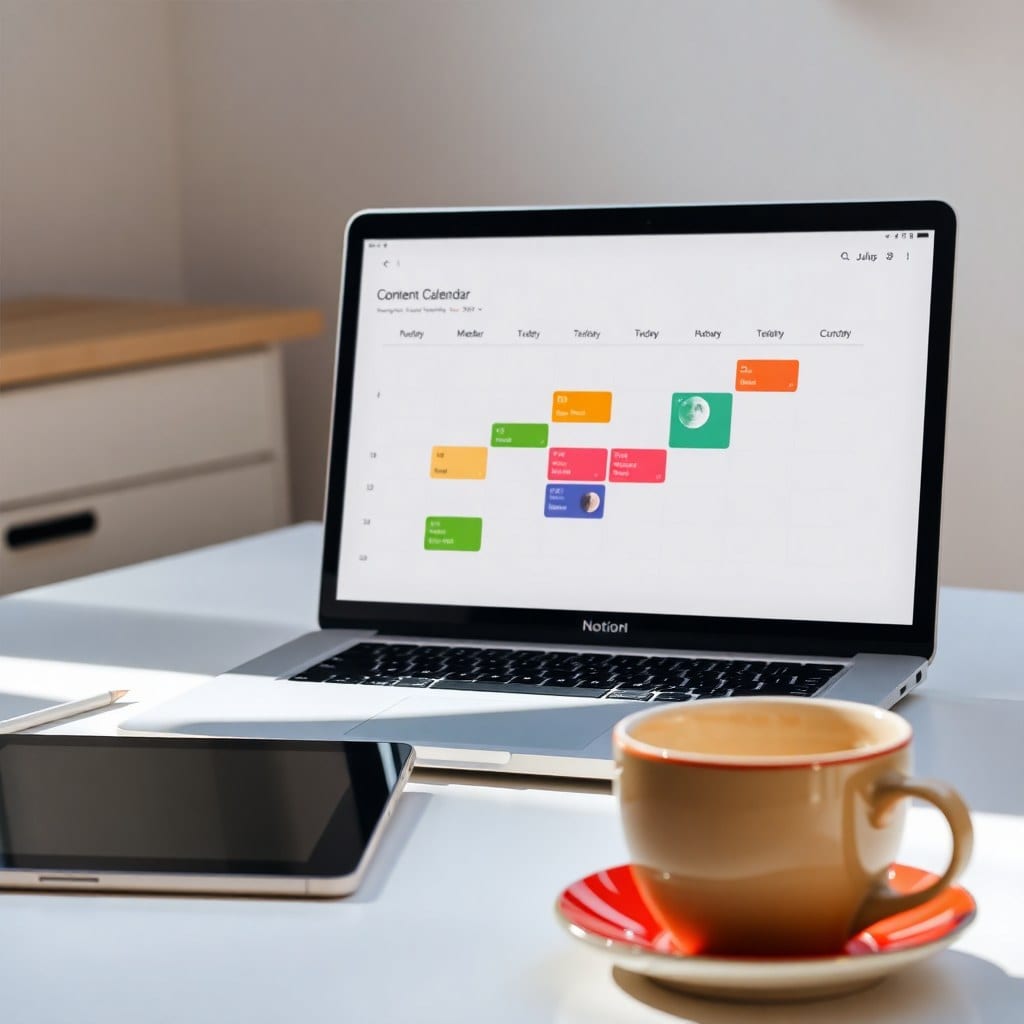
You know that feeling when your side hustle starts to feel like a second job? The one where you’ve got ideas scattered across sticky notes, a million browser tabs, and a to-do list that never seems to shrink. I’ve been there. The fix isn’t more discipline—it’s better structure. And the best structure I’ve found is a standup-style dashboard in Notion.
What’s a standup? It’s a concept borrowed from agile software teams. Every morning, you spend five minutes answering three questions: What did I do yesterday? What will I do today? What’s blocking me? That’s it. When I applied this to my own side projects, the difference was night and day. Instead of staring at a giant list, I focus on three small wins each day.
Here’s how to build your own standup dashboard in Notion. Start with a new page and choose ‘Full page’ under ‘Database’. Call it ‘Daily Standup’. Add a ‘Date’ property, a ‘Focus’ property (select with options like ‘Admin’, ‘Creation’, ‘Marketing’, ‘Client Work’), and a ‘Status’ property (options: ‘Done’, ‘In Progress’, ‘Blocked’).
Every morning, create a new entry. Under ‘Done’, list what you finished yesterday. Under ‘Today’, choose no more than three things. Under ‘Blocked’, write any obstacle that’s stopping you—whether it’s a missing file, a client reply, or your own uncertainty. Keep it to three bullets max per field. That constraint is what makes it work.
Now, the magic happens when you add a dashboard view. Create a second view (either in the same page or a linked database) that shows only today’s entry. Set a filter: Date is today. Then display it as a board grouped by Status. At a glance, you see if you’re stuck or cruising.
The other trick is to set up a recurring reminder. You can use Notion’s built-in reminders on the database, or connect it to your calendar. I use a daily 9 AM reminder with a note: ‘Standup time’. It takes less than five minutes, but it sets the tone for the whole day.
What about weekends? I skip them. The standup is for weekdays, and I find that’s enough to keep momentum. If you’re a freelancer with multiple projects, you can add a ‘Project’ property to filter by project, but I’d advise starting simple. One dashboard, one entry per day.
After a month of using this, I noticed I was finishing more projects because I was forced to pick three things daily. The blockers column also revealed patterns—like how I kept procrastinating on invoices. Once I saw that, I automated them. That’s the real win: the standup surfaces the friction points you’d otherwise ignore.
To make it yours, play with the design. Use a pastel cover image, add a few emoji icons for the properties, and maybe a ‘Resources’ section under each day for links you need. Notion is flexible enough to match your vibe, so don’t be afraid to experiment.
If you want a head start, I’ve created a free template based on this exact system. It’s linked in my bio. But honestly, building it yourself is half the fun—and you’ll understand every piece of it.
So next time your side hustle feels like a messy pile of intentions, try the standup. It’s the gentlest way to get stuff done without turning into a productivity robot.