
If you’re a freelancer or solopreneur, you know the pain of juggling client details. Maybe you’re using a notes app, a spreadsheet, or—worse—your memory. But when you’re trying to look professional and stay on top of deadlines, a proper client CRM is a game-changer. And you don’t need expensive software to build one.
Notion is perfect for this because it’s flexible and visual. You can create a database that holds every client, their projects, and your interactions. The best part? It can be as simple or as complex as you want. I’m going to walk you through a setup that takes less than 30 minutes and will make you feel like you have your act together.
## Step 1: Create a Client Database
Start by creating a new page in Notion and adding a database—preferably a table view. Your main columns should be: Client Name, Company, Email, Phone, Status, and Last Contact. You can add more later, but this is enough to get started.
## Step 2: Add a Projects Database
Next, create a second database for projects. Link it to the client database using a relation property. This way, you can see all projects for a client in one view. Add columns for Project Name, Client, Status, Deadline, and Budget.
## Step 3: Track Interactions with a Log
A simple log database is useful for keeping notes on calls, emails, and meetings. Link it to the client as well. Columns: Date, Type, Summary, and Follow-up. This becomes your memory when you need to recall what you discussed three months ago.
## Step 4: Create Views That Work for You
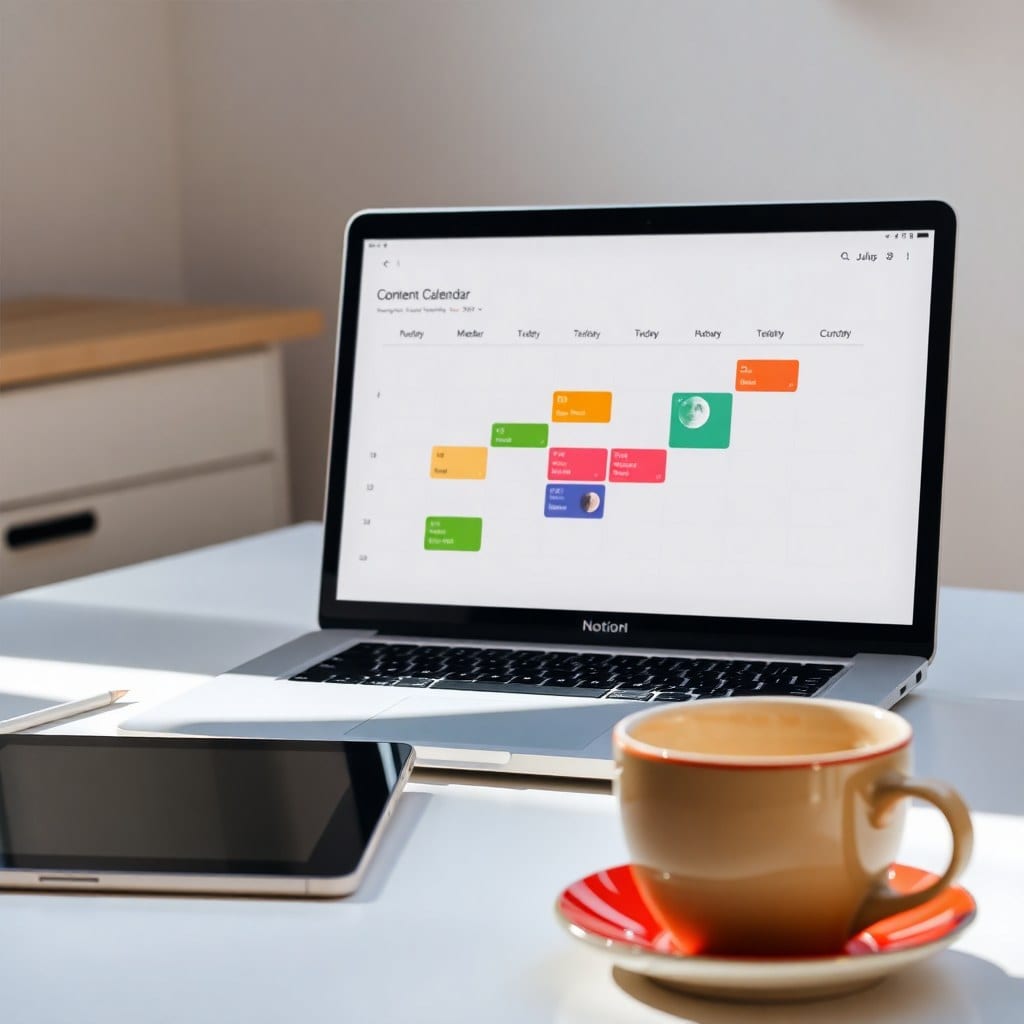
Notion lets you create different views of the same database. For example, you might want a Kanban board view for projects by status, or a calendar view for deadlines. This is where the magic happens—you can see everything at a glance.
## Step 5: Use Filters to Stay Focused
Set up filters so you only see active projects or clients you haven’t contacted in a while. This helps you prioritize and not feel overwhelmed.
## A Few Pro Tips
Use templates for recurring project types. Add a checkbox for ‘Follow-up Needed’ so you can quickly filter. And don’t forget to archive old clients so they don’t clutter your view.
## Why This Works for Solopreneurs
A CRM in Notion is more than just a database—it’s a system that gives you clarity. You’ll never miss a deadline or forget an important detail. Plus, you can access it from anywhere, even your phone.
So if you’ve been putting off getting organized, take the first step today. Build your CRM, and you’ll wonder how you ever managed without it.