
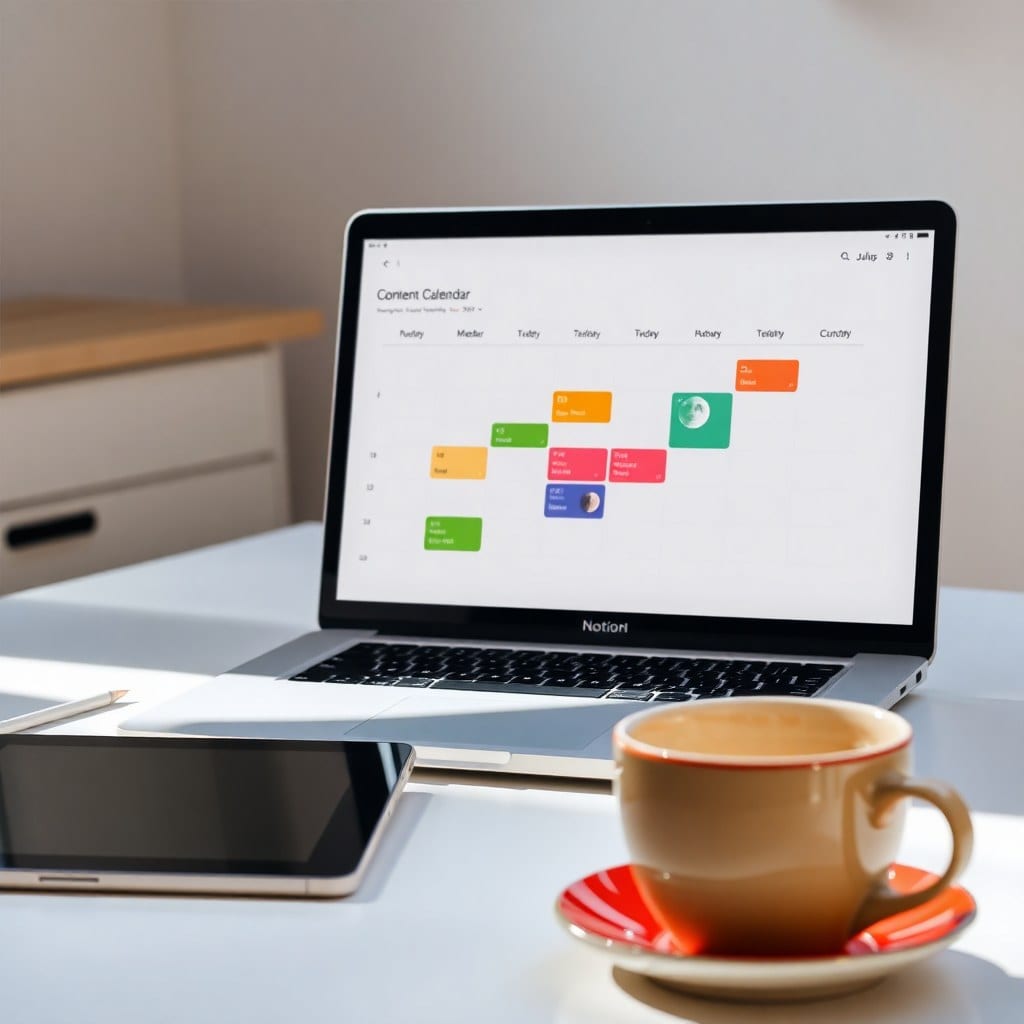
Let’s be honest: most second brain setups are graveyards. You spend a weekend building an elaborate system of databases, relations, and rollups, only to abandon it by Wednesday because it feels like a second job. I’ve been there. I’ve built (and abandoned) at least a dozen Notion dashboards. But over the past two years, I’ve landed on a simpler approach that sticks—and it’s helped me capture ideas, finish projects, and actually find things when I need them.
The core problem is that we treat our second brain like a filing cabinet when it should be more like a garden. A garden needs light, water, and occasional pruning—not a perfect taxonomy. So the first rule is: keep it messy. Don’t worry about perfect tags or categories. Start with a single inbox database where everything goes. I call mine ‘Moon Dust’—a place to dump every idea, link, quote, or half-thought. No pressure to organize it immediately.
Second, give yourself a weekly review that takes 10 minutes, not an hour. I schedule mine for Sunday evenings, right before I plan my week. I open my Moon Dust inbox and process each item: does it spark a project? Move it to my Projects database. Is it a reference? Move it to a Resources database. Is it junk? Delete it. That’s it. No complex decision trees.
Third, connect your second brain to your actual work. For me, that means a ‘Current Projects’ dashboard that pulls from my Projects database and shows only what’s active. Each project has a simple checklist and a linked notes page. When I’m working, I don’t browse my entire brain—I just open that dashboard and focus. This prevents the overwhelm that kills most systems.
Fourth, use templates to reduce friction. I have a template for book notes, one for podcast ideas, and one for client projects. Each template pre-fills the structure so I don’t have to think. For example, my book notes template has sections for key takeaways, favorite quotes, and action steps. I just fill in the blanks. This consistency makes it easier to search later.
Fifth, embrace the search bar. Notion’s search is powerful. Instead of building the perfect organization system, I rely on search to find things. I add a few keywords to each note—like ‘marketing’ or ‘design inspiration’—and trust that I’ll find it later. This lowers the barrier to entry and keeps me from over-engineering.
Sixth, make it pretty. This might sound superficial, but aesthetics matter for creatives. I use a soft color palette (moonlight blues, warm grays, and a touch of gold) and custom icons. When my second brain looks inviting, I’m more likely to use it. It feels like a sanctuary, not a spreadsheet.
Seventh, don’t be afraid to delete. If a note hasn’t been touched in six months and isn’t a reference, it’s probably safe to let go. I do a quarterly purge. This keeps my brain from becoming a hoarder’s attic.
Eighth, integrate capture tools. I use the Notion Web Clipper and a quick-add shortcut on my phone. The easier it is to capture, the more likely I am to do it. I also have a widget on my home screen that opens my inbox directly.
Ninth, review and adjust. Every few months, I ask: what’s working? What’s not? I tweak the system based on real usage, not hypothetical needs. For example, I realized I never used my ‘Someday/Maybe’ list, so I deleted it. Now I have less clutter.
Finally, remember that your second brain is a tool, not a trophy. It doesn’t need to be perfect; it needs to help you think and create. If you’re spending more time organizing than making, it’s time to simplify. Start with an inbox, a weekly review, and a project dashboard. That’s enough to get you started. You can always add more later—but only if you actually need it.
If you want a head start, our ‘Lunar Life OS’ template includes a pre-built second brain with all these principles baked in. It’s designed to be flexible, beautiful, and easy to maintain. And because it’s digital, you get instant access and lifetime updates. No shipping, no waiting—just a system you can make your own.