
If you’re a creative solopreneur, you know the drill: Monday rolls around, you stare at a blank page, and you wonder what on earth you’re going to post. The content hamster wheel is exhausting, but it doesn’t have to be. The fix isn’t more willpower—it’s a system that captures ideas when they strike and repurposes your work without you having to think about it.
I’ve spent years trying different apps and workflows, and Notion is the one that stuck. Why? Because it’s flexible enough to match the way my brain actually works, not the other way around. But a blank Notion page is just as overwhelming as a blank blog post. The key is to build a content hub that does three things: capture, organize, and repurpose. Let me walk you through how I set mine up.
The first piece is a simple idea inbox. This is a database where I can dump anything—a random thought, a client question, a screenshot, a voice memo (I use the mobile widget). The key is to make it frictionless. I have a shortcut on my phone that opens a new entry with just one tap. I don’t categorize anything at this stage. That’s future-me’s job.
Once a week, I go through my inbox and give each idea a status: ‘evergreen,’ ‘trending,’ or ‘someday.’ I also tag it by platform—Instagram, blog, newsletter, or all. This is where the magic starts. By tagging, I’m now able to see at a glance which ideas can be spun into multi-format content. For example, a client question about ‘how to price a package’ can become a carousel, a blog post, and a newsletter tip.
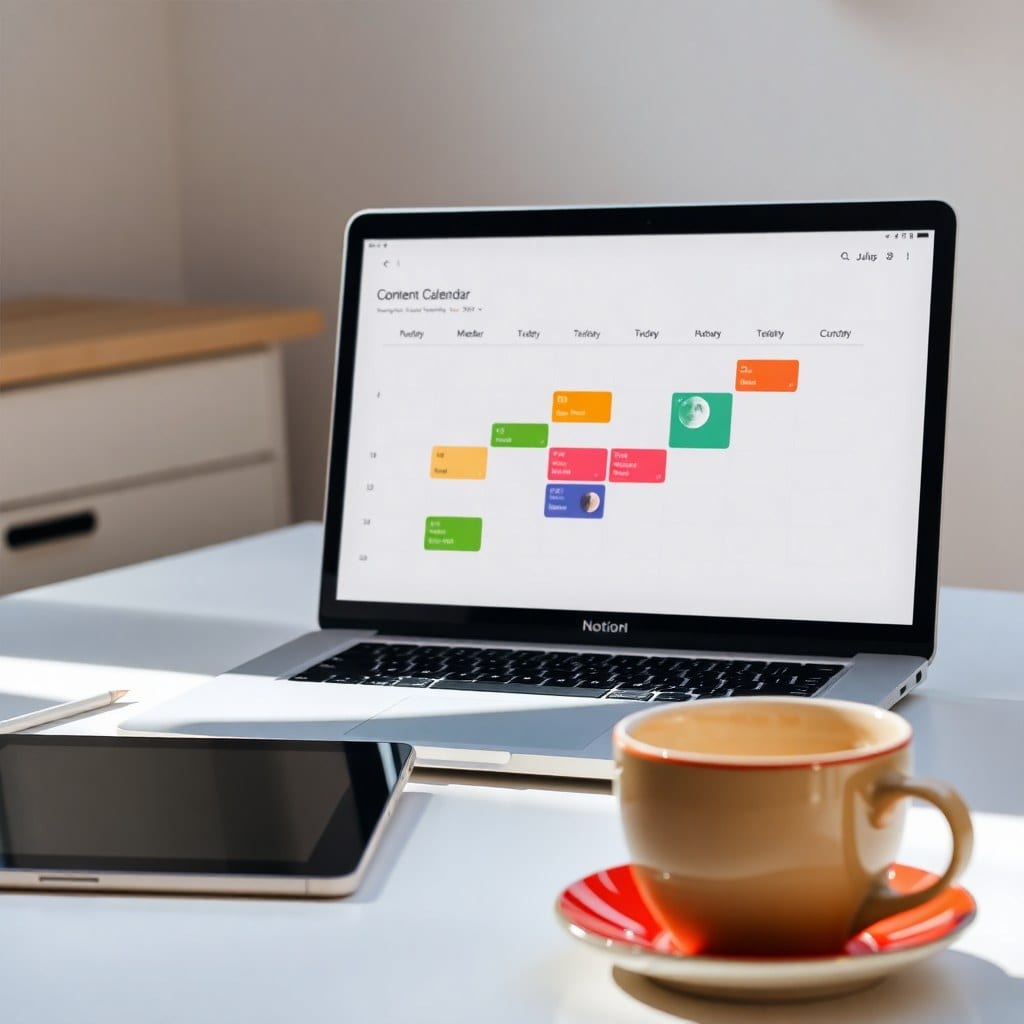
The next piece is the content calendar. This isn’t just a grid of dates—it’s a pipeline that shows me the status of each piece, from idea to draft to published. I use a board view in Notion, with columns for each stage. The trick is to keep it realistic. I used to over-plan and then feel guilty when I didn’t stick to it. Now I only plan two weeks ahead, and I leave space for ‘spontaneous’ posts that come from real-time inspiration.
Here’s the repurposing engine that changed everything: I set up a template button in my database that, when I finish a blog post, automatically creates a ‘spin-off’ checklist. It prompts me to pull three key points for a Twitter thread, write a 30-second video script, and craft a question to ask on Instagram Stories. This turns every piece of long-form content into a content machine.
Does this sound like a lot of setup? It can be, but you don’t have to build it from scratch. That’s exactly why I created my Content Calendar template. It’s pre-loaded with all the properties, views, and automations I just described. You just duplicate it and start adding your ideas.
The final piece of advice: don’t let the system become another shiny object. Start with the inbox and a simple calendar. Use it for two weeks. Then add the repurposing twist. The goal is to spend less time managing content and more time making it. When you have a system that works, you’ll actually look forward to planning your content—and that’s when the audience growth follows.