
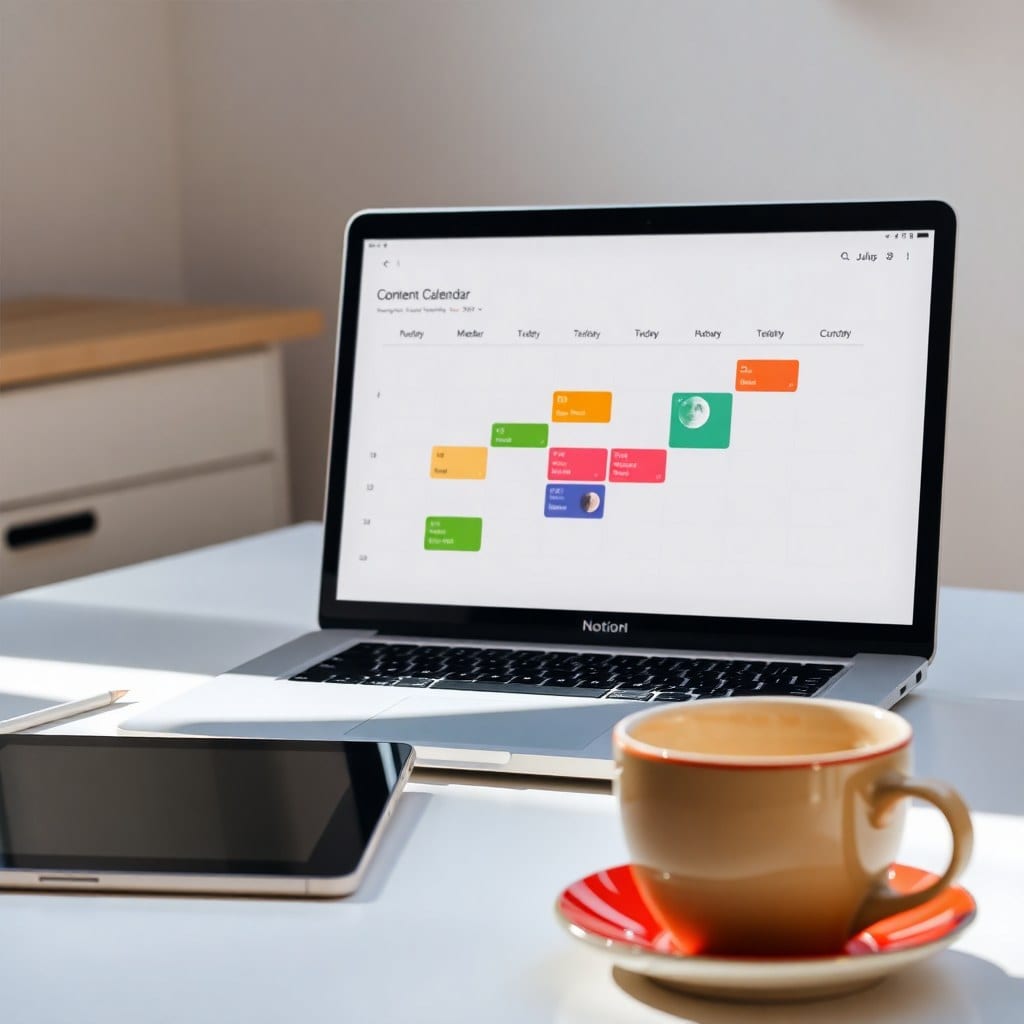
We’ve all been there: you spend hours setting up a beautiful content calendar, color-coded and full of promise. Two weeks later, it’s a graveyard of missed deadlines and abandoned ideas. Why? Because most calendars are built for robots, not humans. They assume you’ll have the same energy every day, that inspiration strikes on schedule, and that life won’t get in the way. As a creative solopreneur, your brain doesn’t work like that—and your calendar shouldn’t either.
## The Problem with Traditional Calendars
Traditional content calendars are linear. They say: post on Monday, Wednesday, Friday at 9 AM. But creative energy isn’t linear. Some days you’re a fountain of ideas; other days you’re lucky to string two sentences together. When you miss a slot, guilt creeps in, and eventually you abandon the whole thing. The calendar becomes a reminder of your failure rather than a tool for success.
## A Better Approach: The Energy-Based Calendar
Instead of fixed dates, build your calendar around themes and energy levels. In Notion, create a board view with columns for ‘Idea’, ‘Drafting’, ‘Editing’, ‘Scheduled’, and ‘Published’. Then add a multi-select property for ‘Energy Required’: Low, Medium, High. When you sit down to work, you can filter by your current energy level. Feeling foggy? Pick a low-energy task like scheduling a tweet. Feeling fired up? Tackle that high-energy YouTube script.
## Make It Visual and Flexible
Use a calendar view to see the month at a glance, but don’t let it bully you. Drag and drop posts when life happens. Add a ‘buffer’ week each month with no scheduled posts—this gives you room to breathe and catch up. In our Content Calendar template, we include a ‘Someday’ column for ideas that aren’t ready yet, so they don’t clutter your main board.
## Track What Actually Works
A calendar without metrics is just a wish list. Add a simple database for analytics: post date, platform, engagement rate, and a ‘What worked’ note. Once a month, review and double down on what’s resonating. Maybe your audience loves carousels but ignores reels. Adjust your calendar to reflect that. This feedback loop keeps you from spinning your wheels.
## The Two-Hour Setup
Here’s a quick start: In Notion, create a new database called ‘Content’. Add properties: Title (text), Status (select: Idea, Drafting, Editing, Scheduled, Published), Energy (select: Low, Medium, High), Platform (multi-select), Publish Date (date), and Notes (text). Create views: Board by Status, Calendar by Publish Date, and a filtered view for ‘This Week’. That’s it. You now have a flexible system that respects your humanity.
## Why This Works for Creative Solopreneurs
Because it’s built on self-compassion. It acknowledges that you’re not a content machine. It gives you permission to have off days. And it still keeps you moving forward. The goal isn’t to post every single day—it’s to build a sustainable practice that supports your business and your well-being.
## Common Pitfalls to Avoid
Don’t over-schedule. Start with one platform and two posts a week. Don’t compare your calendar to someone else’s—they have different energy, goals, and life circumstances. And don’t be afraid to delete what isn’t working. Your calendar should serve you, not the other way around.
## Tools and Templates
You can build this yourself in Notion, or grab our Moonlit Content Calendar template, which comes pre-loaded with the energy-based system, analytics tracker, and a library of content prompts. It’s designed to be duplicated and customized in minutes, so you can spend less time organizing and more time creating.
## Final Thoughts
A content calendar is a tool, not a test. When you build one that adapts to your creative rhythms, you’ll find yourself showing up more consistently—not because you have to, but because it feels good. And that’s the whole point.