
When I first started freelancing, my business was a mess. Client files lived in my email, project notes were scattered across three apps, and my to-do list was a sticky note that I lost on a weekly basis. I knew I needed to get organized, but every productivity system I tried felt like it was designed for someone who thinks in spreadsheets — not someone who thinks in color palettes.
Then I discovered Notion, and it was like a breath of fresh air. Notion is flexible enough to bend to your brain, not the other way around. But here’s the thing: Notion can also be a black hole of endless tinkering. You spend hours building the perfect dashboard and never actually use it. So I’ve developed a system that’s practical, pretty, and — most importantly — sustainable.
**My Core Setup**
I have three main databases: Projects, Tasks, and Content. Each one is connected, so I can see everything at a glance. My Projects database has properties for client, status, deadline, and a ‘vibe check’ — because some projects just feel different, and that matters. The Tasks database is where I break down every project into actionable steps, and I use relations to link tasks to their parent project.
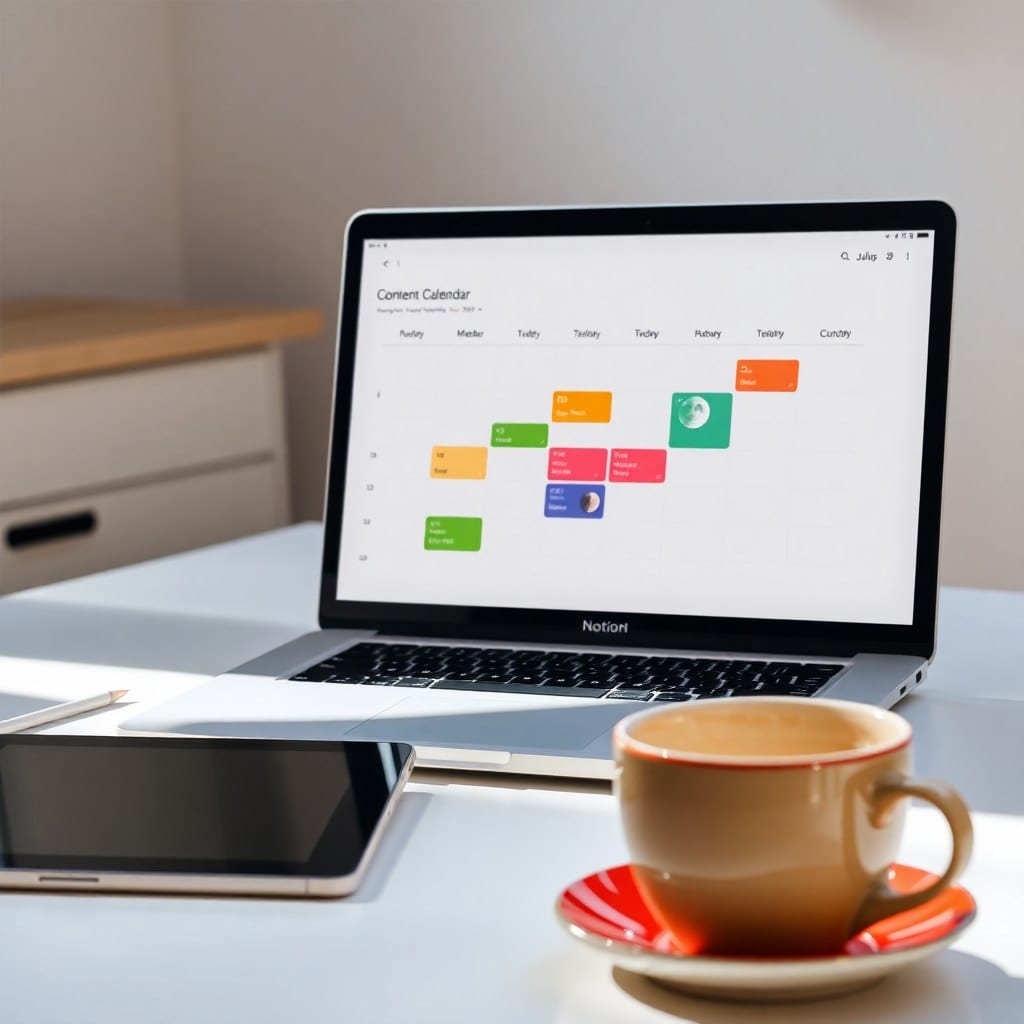
The Content database is a lifesaver for my blog and social media. I track ideas, drafts, published posts, and performance metrics. I’ve set up views by status and by platform, so I can see what’s in the pipeline and what’s already live.
**Why This Works**
First, it’s visual. I use icons and cover images for every database entry, so my workspace doesn’t look like a spreadsheet on steroids. It feels like a digital mood board, which keeps me motivated to actually open it. Second, it’s flexible. If a project changes direction — which happens all the time in creative work — I can just move things around without breaking the system.
Third, it’s connected. Because everything is linked, I can see at a glance what’s coming up, what’s overdue, and what’s taking up too much of my time. This bird’s-eye view has cut my planning time in half.
**The Bottom Line**
Getting organized doesn’t mean stifling your creativity. It means giving your ideas a home so they can flourish. My Notion setup has saved me hours every week, reduced my anxiety, and given me the headspace to actually do the work I love. If you’re a creative solopreneur drowning in chaos, I highly recommend building your own system — or grabbing a template that’s already done the heavy lifting for you.