
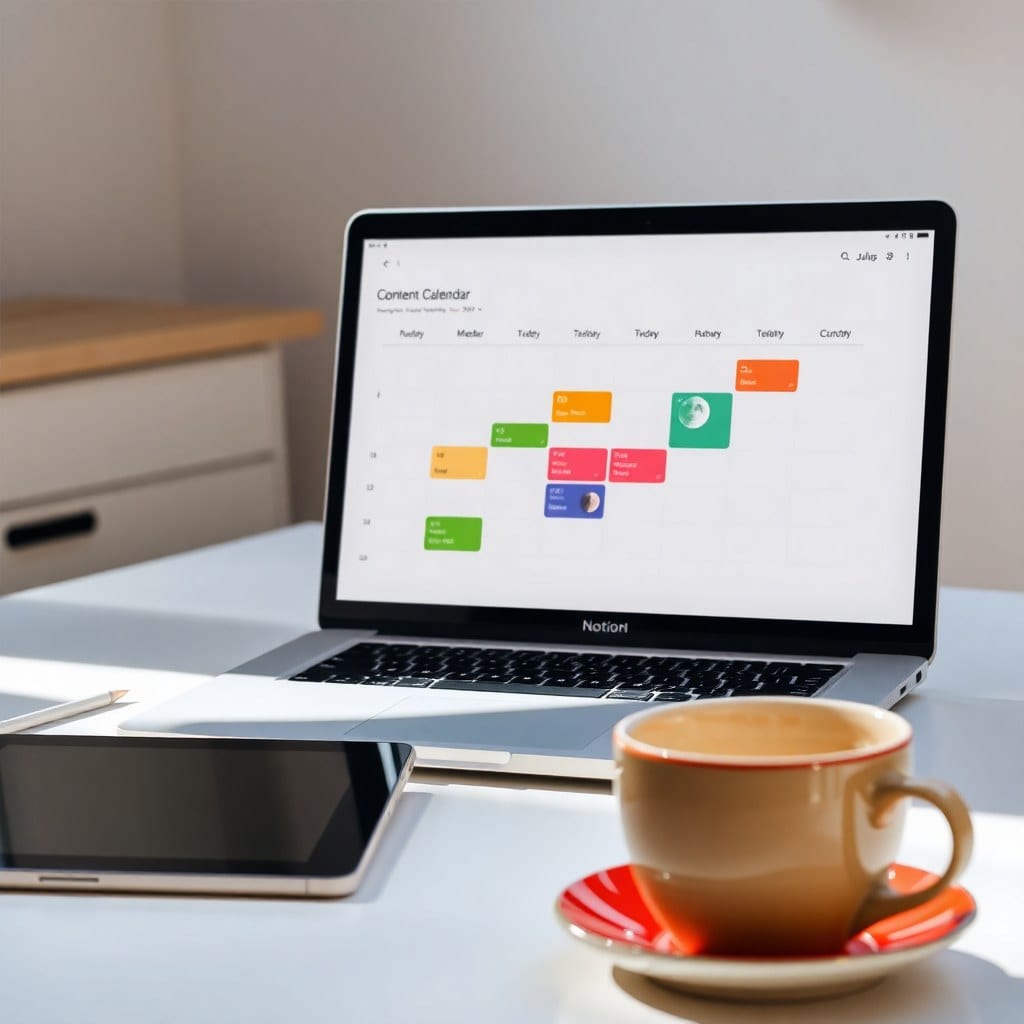
When I started Luna Makes Shop, I had no idea how much thought goes into a single Notion template. It’s not just about slapping some pretty colors on a page. It’s about understanding how people think, where they get stuck, and how to design a space that feels like a gentle guide.
In this post, I’m pulling back the curtain on my process. I’ll walk you through how I go from an idea to a finished template, and share the principles that keep my designs both dreamy and practical.
## The Spark
Every template starts with a problem I’ve experienced myself. For example, I created my Content Planner after struggling to keep track of blog posts, social media, and newsletters across multiple spreadsheets. The chaos was real. So I started sketching what would help me—and others like me.
## The Sketch
I begin with a wireframe. Not in fancy software—just a piece of paper. I draw boxes for where the database will go, where the intro text will be, and how the pages will flow. This is the skeleton. It’s boring, but it’s the most important step. If the structure doesn’t make sense, the design won’t save it.
## The Structure
In Notion, I build the structure first. I create databases, relations, and rollups. I set up views (table, board, calendar) and filters. I test the logic by adding fake data. This is where the template starts to feel alive. I ask myself: If a user clicks here, where do they go? Is it intuitive? Does it need a tutorial?
## The Design
Once the structure is solid, I layer on the design. I choose a color palette that feels calm and inspiring—soft lavenders, muted pinks, deep indigos. I add icons from Notion’s emoji set or custom icons for a unique touch. I use callouts and dividers to break up text. My golden rule: every design element must have a purpose. If it doesn’t help the user, it’s out.
## The Testing
Before I launch, I test the template with a small group of beta users. I watch them use it. I see where they click, what confuses them, and where they get tripped up. Then I refine. This is often where I realize a property label is ambiguous or a view is unnecessary.
## The Launch
Finally, I write the product description, create a demo page, and package it for delivery. I also make sure the duplicate link works flawlessly. Then I send it out into the world and hope it helps someone.
Designing a Notion template is equal parts art and logic. It’s about creating a space that feels like a haven—a place where you can think clearly and create freely. If you’re curious about trying one of my templates, you can browse the shop. Each one is made with this same care.