
If you’re a creative solopreneur, you’ve probably tried half a dozen productivity apps and abandoned them all. They’re either too rigid (hello, project management beasts) or too chaotic (sticky notes everywhere). Notion sits in a sweet spot: it’s infinitely flexible, but that’s also its curse. Blank pages can be paralyzing.
After three years of building custom Notion setups for my own business, I’ve distilled the system down to three core pages: Dashboard, Projects, and Content Hub. That’s it. No overwhelming hierarchy, no 50 linked databases. Just the essentials that keep me moving without dragging me down.
**Start with a Dashboard**
Your dashboard is your home base. It should show today’s tasks, upcoming deadlines, and a glimpse of your current projects. I like to use a simple gallery view for projects, filtered by status. Add a ‘Today’ section with a checkbox list — it’s satisfying to tick things off, and you can drag tasks from other views straight into it.
**Build a Projects Database**
Every client project, personal project, or side hustle gets a row here. Properties: Status (Not started, In progress, Waiting, Done), Priority, Client (if any), and a URL to the project’s own page. The page is where you keep meeting notes, briefs, and assets. I use a toggle for ‘Resources’ so it doesn’t clutter the view.
**Create a Content Hub**
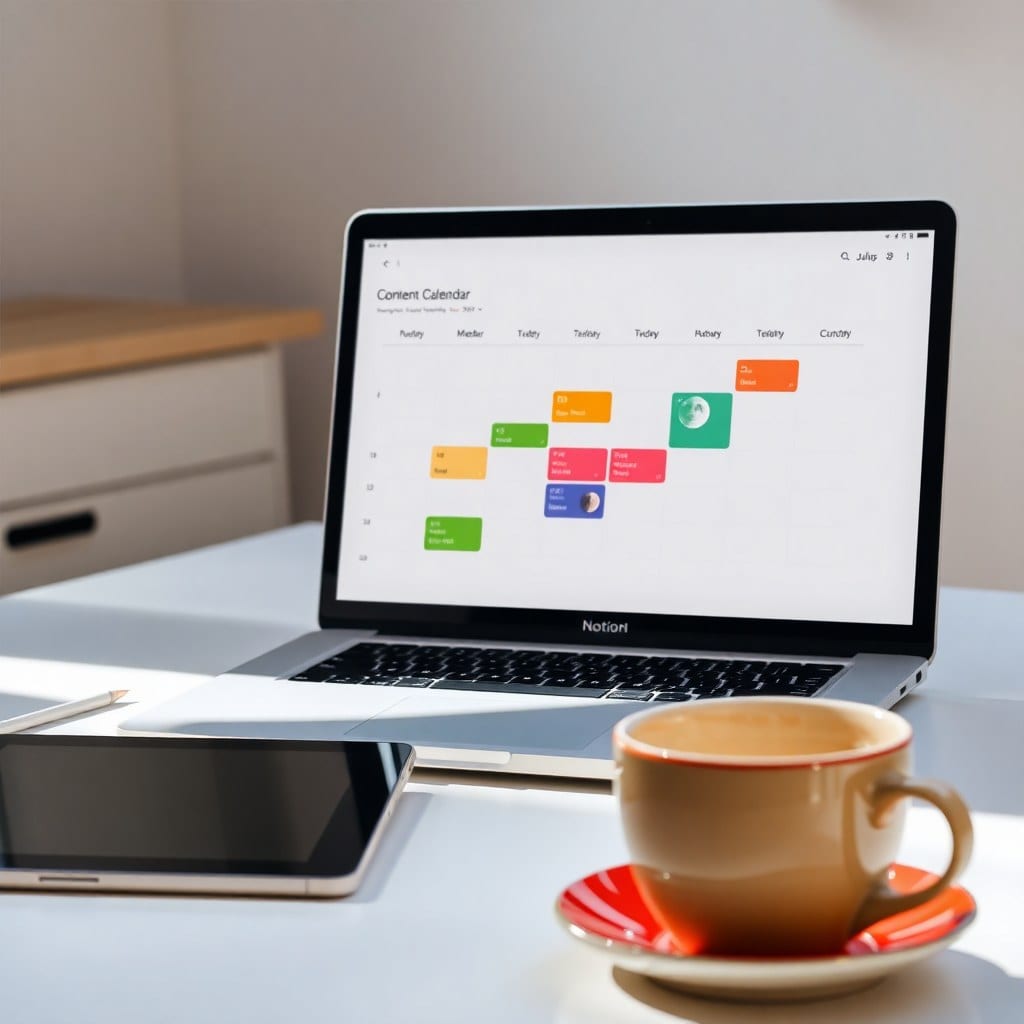
For anyone posting on social media or a blog, this is a lifesaver. A database with views for Ideas (filtered by status), Drafting, and Published. Add a property for ‘Platform’ so you can see where each piece goes. When an idea hits, I write it in the page itself, so it’s all in one place.
**Link Everything with Relations**
The magic of Notion is relations. Connect your Projects database to your Tasks database, so each task can be tied to a project. Then, on your dashboard, you can add a linked view of tasks filtered by ‘Today’ and ‘Not done’. This way, you have a live task list without creating a separate database.
**Keep It Pretty, Keep It Functional**
Aesthetics matter. I’m not saying you need a pastel theme, but a clean, consistent design helps you want to open Notion. Use a soft color palette, consistent icons, and tidy callouts. But don’t overdo it — the goal is function first. My template shop offers pre-built versions of this exact setup, but even if you build your own, these principles will guide you.
**Avoid the Overhaul Trap**
The biggest mistake I see is people redesigning their entire system every week. It’s a form of procrastination. Instead, set a monthly review where you archive old projects, clean up tags, and adjust if needed. For everything else, stick to the plan.
**Your Next Step**
Start with just the Dashboard and Projects database. Use it for a week. Then add the Content Hub if you need it. The key is to iterate, not perfect. If you’d rather skip the setup, I’ve packaged this exact system as a template — check it out in the shop. But either way, you’ll be one step closer to feeling organized without losing your spark.