
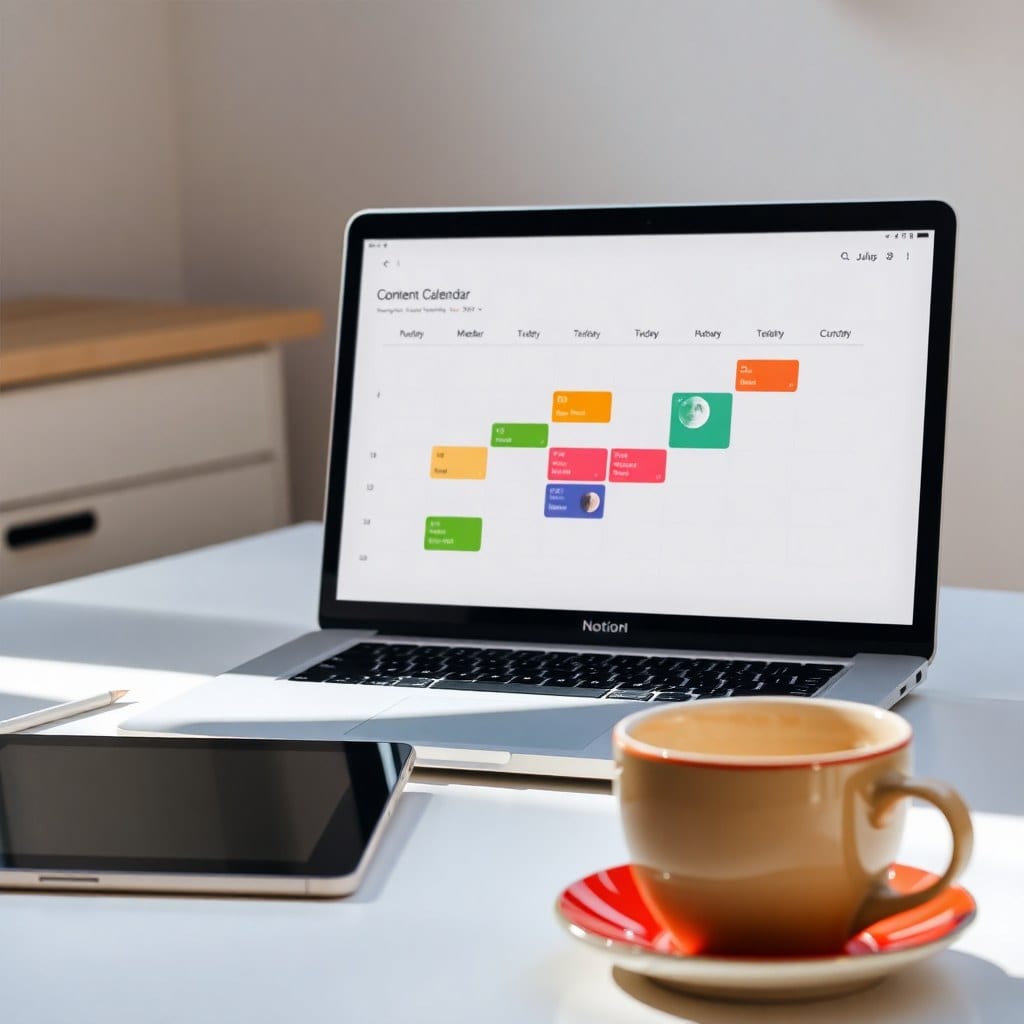
If you’re like me, you’ve been on a never-ending hunt for the perfect productivity tool. I’ve tried Trello, Asana, Monday, and even a wall full of sticky notes. Each one had its strengths, but something was always missing. Too rigid, too simple, or too complicated.
Then I discovered Notion, and for the first time, I felt like I had found my home. But it wasn’t love at first sight. In fact, I almost gave up on it a dozen times. The learning curve is steep, and the blank canvas is terrifying. But once I pushed through, I realized it was the only tool that could adapt to my brain.
Here’s why Notion won me over and why I’ve stayed for three years.
## The Power of Flexibility
Most tools are built around a specific workflow. Trello is a Kanban board, Asana is a list with dependencies, and so on. Notion, on the other hand, is a blank slate. You can build anything: a database, a wiki, a dashboard, a journal. That flexibility is both a blessing and a curse.
For me, it meant I could create a workspace that mirrored how I actually think. I have a dashboard for my client projects, a database for my content ideas, and a simple page for my weekly review. No more trying to shoehorn my life into someone else’s idea of organization.
The downside? I spent way too much time building and tweaking instead of doing. I learned to embrace templates (mine or others’) and resist the urge to redesign every week.
## All-in-One vs. Specialized Tools
One of the biggest arguments against Notion is that it’s a jack of all trades, master of none. For example, it’s not as powerful as a dedicated database like Airtable, nor as seamless for project management as Asana.
In my experience, that’s true, but it doesn’t matter. I don’t need an enterprise-grade project management suite. I need a place where I can see my tasks, write a quick note, and plan my week without switching apps. Notion does that beautifully. It’s the Swiss Army knife of productivity, and for a solopreneur, that’s perfect.
I still use a few specialized tools for specific jobs—like Google Calendar for scheduling and Canva for graphics—but everything else lives in Notion. That integration is key: Notion’s ability to embed and link out to other tools makes it the hub of my workflow.
## The Aesthetics Factor
Let’s be real: how a tool looks matters. When I open a cluttered, ugly task manager, I feel drained before I even start. Notion’s design is clean, modern, and customizable. I can add cover images, icons, and colors to make it feel like my own.
This might sound superficial, but it’s not. When your workspace feels beautiful, you’re more likely to use it. It’s the same reason people buy a nice notebook or a fancy pen—it makes writing more enjoyable. Notion gives me that feeling every time I open it.
## The Verdict
Notion isn’t for everyone. If you need a strict, no-frills tool with a flat learning curve, there are better options. But if you’re a creative who wants to feel inspired and organized, Notion is worth the investment.
I’ve spent years building my workspace, and I’ve curated a collection of templates that save me hours. If you’re curious, check out the Luna library—we have a few that might just become your new favorites.