
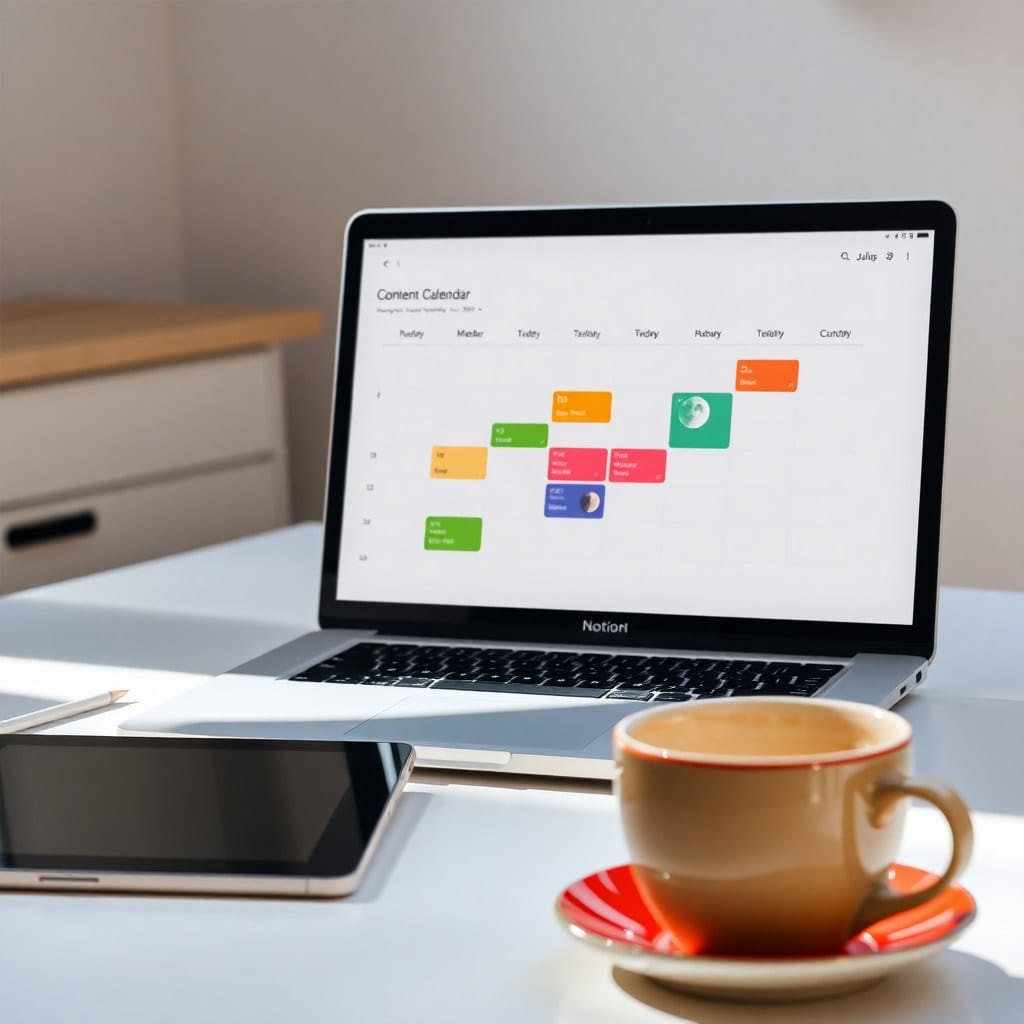
Let’s face it: Notion is a double-edged sword. It’s insanely powerful, but that power can turn into a productivity black hole if you’re not careful. I’ve seen people spend days building a ‘perfect’ workspace, only to abandon it a week later. Sound familiar?
Here’s the thing: the best project management system isn’t the one with the most features—it’s the one you’ll actually use. And for creative solopreneurs, that means finding a balance between structure and freedom.
## The Core Structure: Keep It Simple
Start with three main pages: Projects, Tasks, and Weekly Review. That’s it. Don’t add more until you feel the pain of missing something.
Each project gets a status (Not Started, In Progress, Done) and a priority (High, Medium, Low). Assign tasks to projects and give them due dates. Use filters to show only what’s actionable today.
This minimalism isn’t lazy—it’s strategic. When you have fewer places to look, you spend less time managing your system and more time doing the work.
## The Weekly Review: Your Secret Weapon
Every Friday, spend 15 minutes reviewing your week. Ask: What did I complete? What’s stuck? What needs to move to next week? Update statuses, clear out completed tasks, and set intentions for the coming week.
This ritual creates a natural rhythm. You’ll never lose track of where things stand, and you’ll feel a satisfying sense of closure each week.
## Build It in 20 Minutes
Don’t overthink it. Create a Projects table with properties: Name, Status, Priority, Due Date. Create a Tasks table with: Task, Project (relation), Status, Due Date. Then create a dashboard with linked views: All Tasks, Today’s Tasks, and Projects by Status.
You can find this exact setup in my free template, but the point is—it’s doable in an afternoon. The key is to start simple and iterate.
## Avoid the Temptation to Overcomplicate
I get it—the allure of a beautifully designed dashboard with 15 databases is real. But every added element is a place to get lost. Ask yourself: Does this feature save me time or just feel cool? If it’s the latter, skip it.
Your system should be like a good friend: supportive, unobtrusive, and always there when you need it. Not a high-maintenance diva that demands constant attention.
## Final Thoughts
Notion isn’t a magic bullet—it’s a tool. The magic comes from how you use it. Start simple, review weekly, and refine as you go. You’ll find that project management becomes second nature, leaving you more energy for the work that matters.
If you’re still feeling lost, my Notion Project Hub template does all this for you, with a clean, moonlit aesthetic that makes planning feel a little more magical. But even if you build it yourself, remember: the goal is to feel organized, not overwhelmed.