
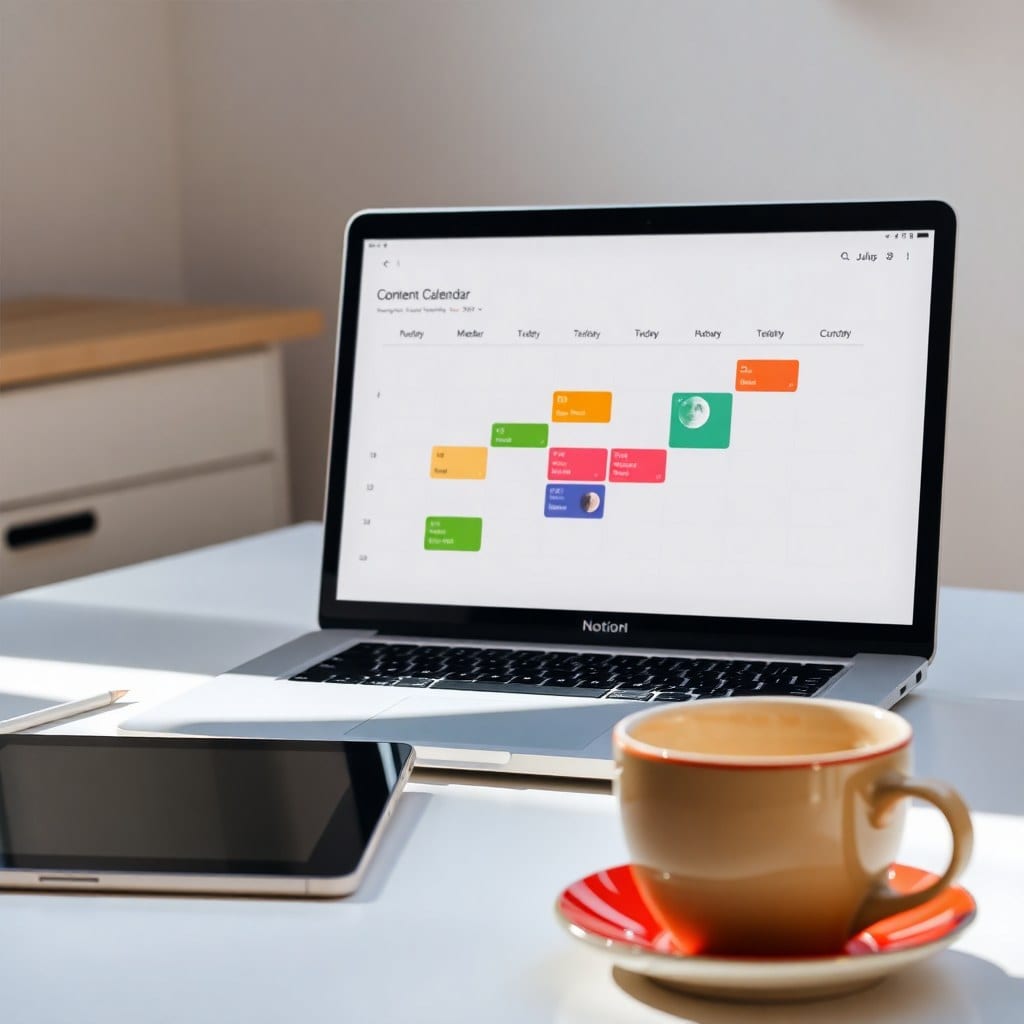
I used to think weekly planning meant bullet journals with color-coded washi tape. Then I transitioned to Notion and never looked back. But here’s the thing: Notion can be as overwhelming as a blank sketchbook. Without a system, you just have a bunch of empty pages. Over the years, I’ve refined a weekly planning ritual that keeps my projects moving without turning my brain into a spreadsheet.
The foundation is a single page I call my Weekly Dashboard. It has three sections: Priorities, Meetings & Calls, and a simple To-Do list. That’s it. I don’t use complex databases or filter views for the basics. The magic is in the ritual, not the structure.
Every Sunday evening, I take 20 minutes to set up the week. I pour a cup of tea, open my Weekly Dashboard, and review my larger goals from the monthly view. Then I pick three priorities that will move the needle—not ten, because ten would be a fantasy. I write those at the top, in a big font, so they’re impossible to miss.
Then I look at my calendar and block time for each priority. I don’t schedule every hour—just a few two-hour blocks. I’ve learned that my best work happens in the morning, so I protect that time fiercely. If a client call tries to sneak in, I politely suggest a different slot. It took me a year to get comfortable saying that.
The To-Do list is a running list of tasks that come up during the week. Instead of immediately adding them to a project database, I jot them down here. On Friday, I do a quick review: what got done, what didn’t, and what can wait. This review is where I adjust my system for the next week. Maybe I notice I’m always scheduling deep work on Tuesday but feeling drained—so I move it to Thursday.
I also use a few simple tags to keep my tasks feel less like chores: #creative, #admin, #client, #personal. This gives me a visual snapshot of where my energy is going. If I see too many #admin tasks, I know I need to delegate or automate something.
What I love about this system is its flexibility. Some weeks I only have two priorities because I’m deep in a project. Others, like launch week, are packed. The dashboard adapts because it’s just a container—the real structure is in the weekly ritual.
If you’re new to this, start small. Create a page with three headings and a simple list. Commit to one Sunday planning session. You’ll be surprised how a tiny bit of structure can make your creative work feel more spacious, not less.
And if you want a head start, my Weekly Planning template has all of this built in—with a soft, moonlit aesthetic that makes planning feel like a self-care ritual.